
 FastCam
Proof of when and where.
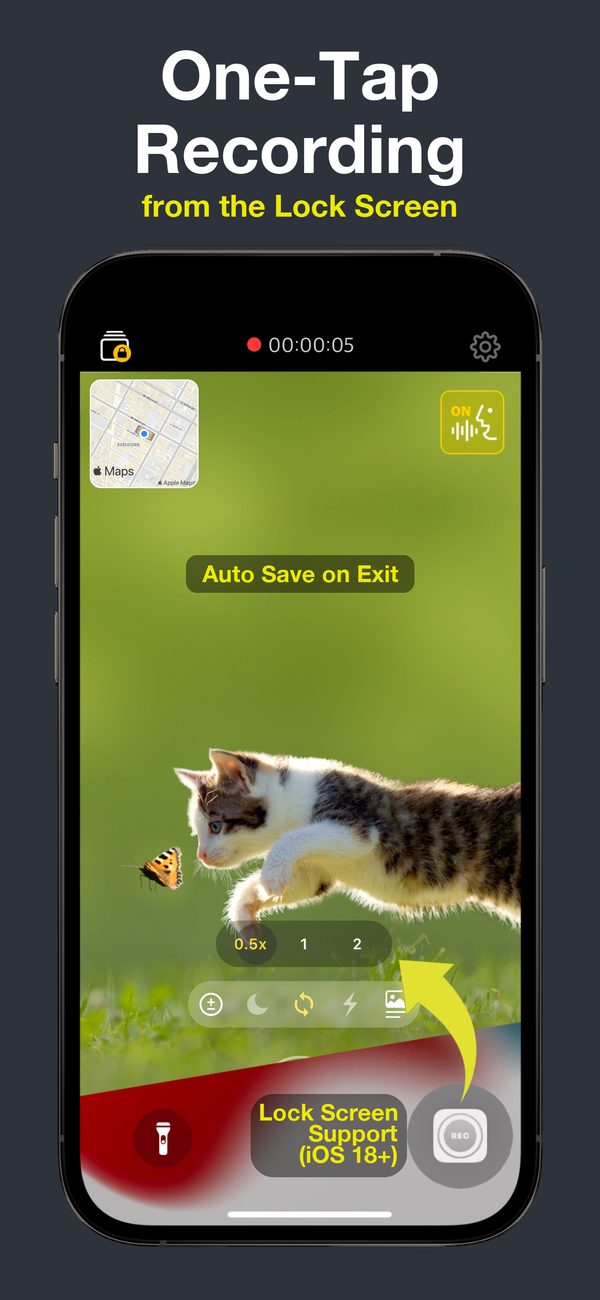
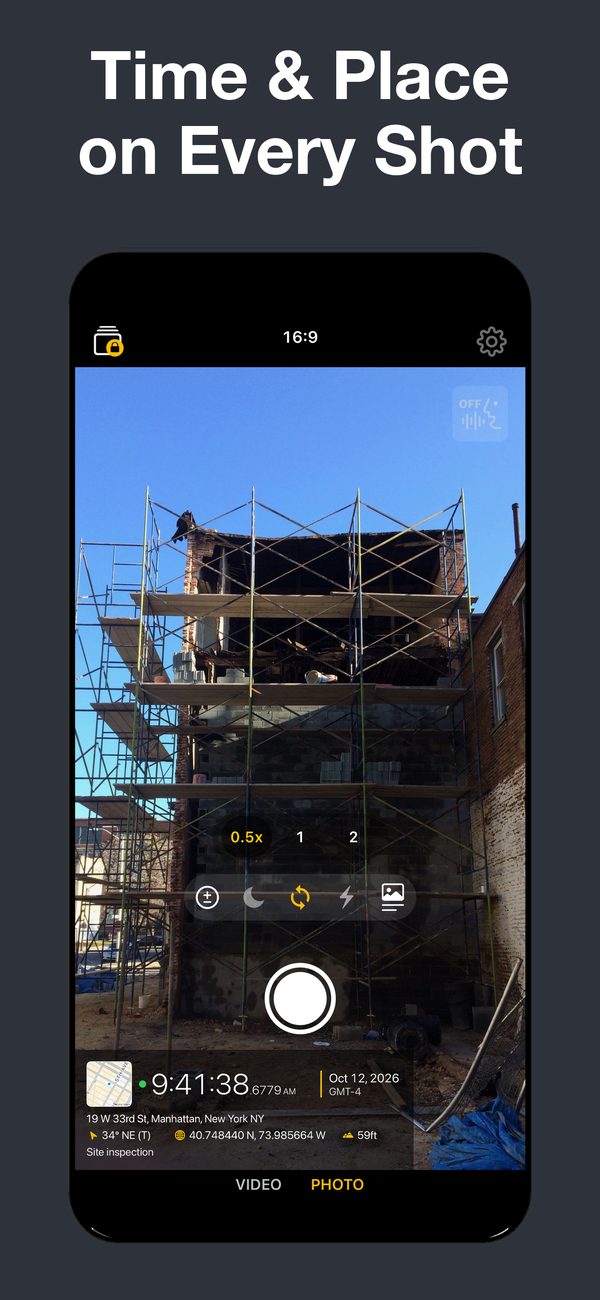
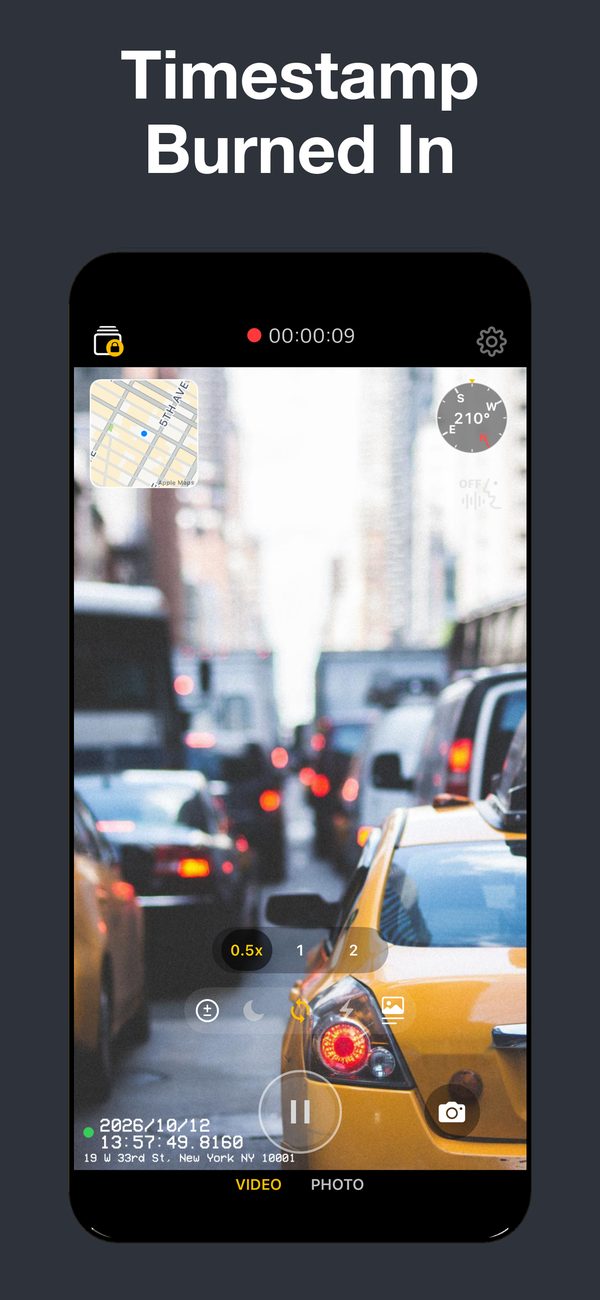
FastCam starts recording the moment you open it and burns the time and place into every video and photo.
See it in the app
Made for the moments you need on record
- Recording starts when the app opens
- Open FastCam and it is already rolling. If a call comes in or you leave the app by accident, the clip is saved.
- A timestamp you can't edit
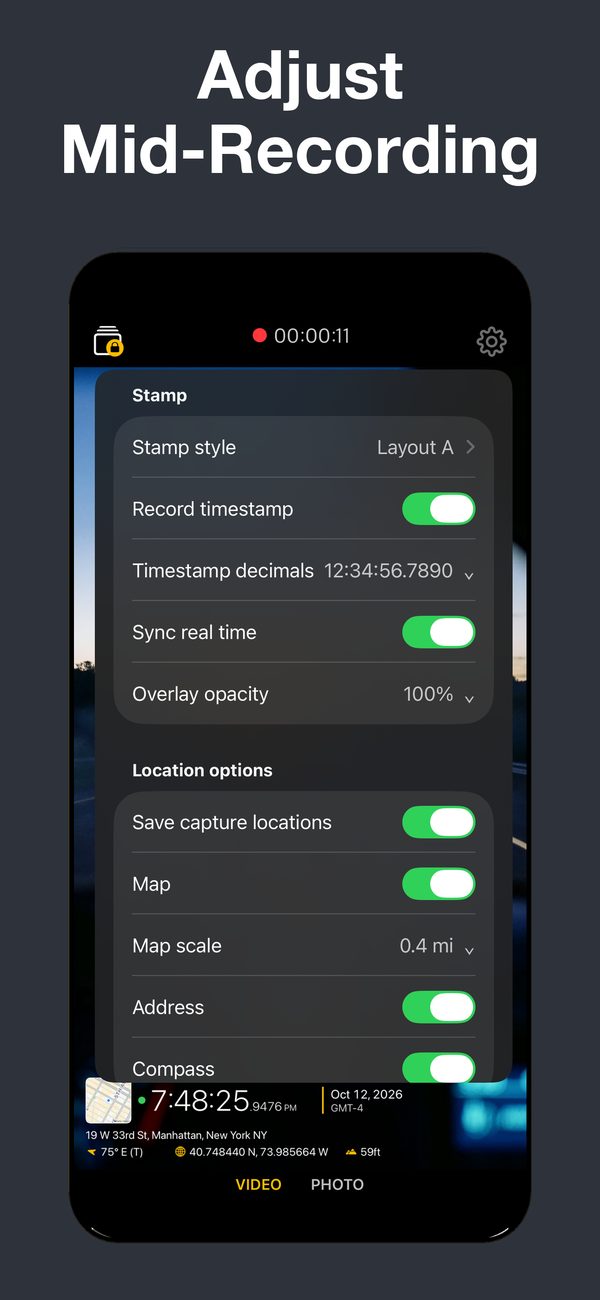
- The date and time are written into the frames as you record, down to 1/10,000 of a second. Real-time sync keeps them right even if your clock is off.
- Where it happened
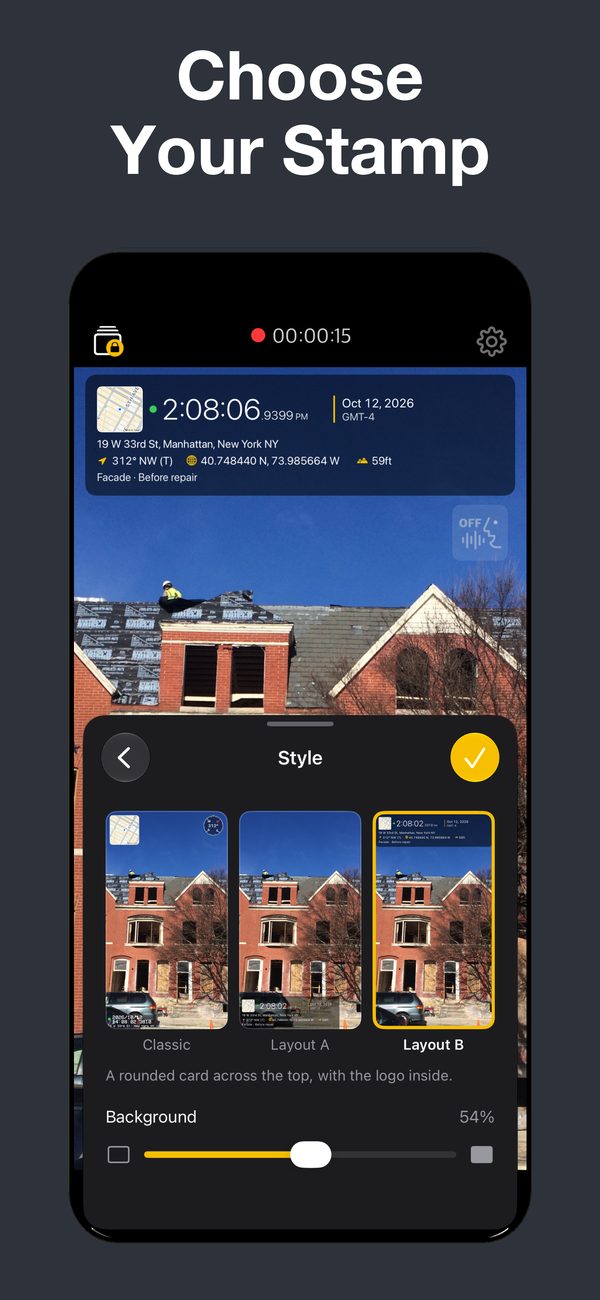
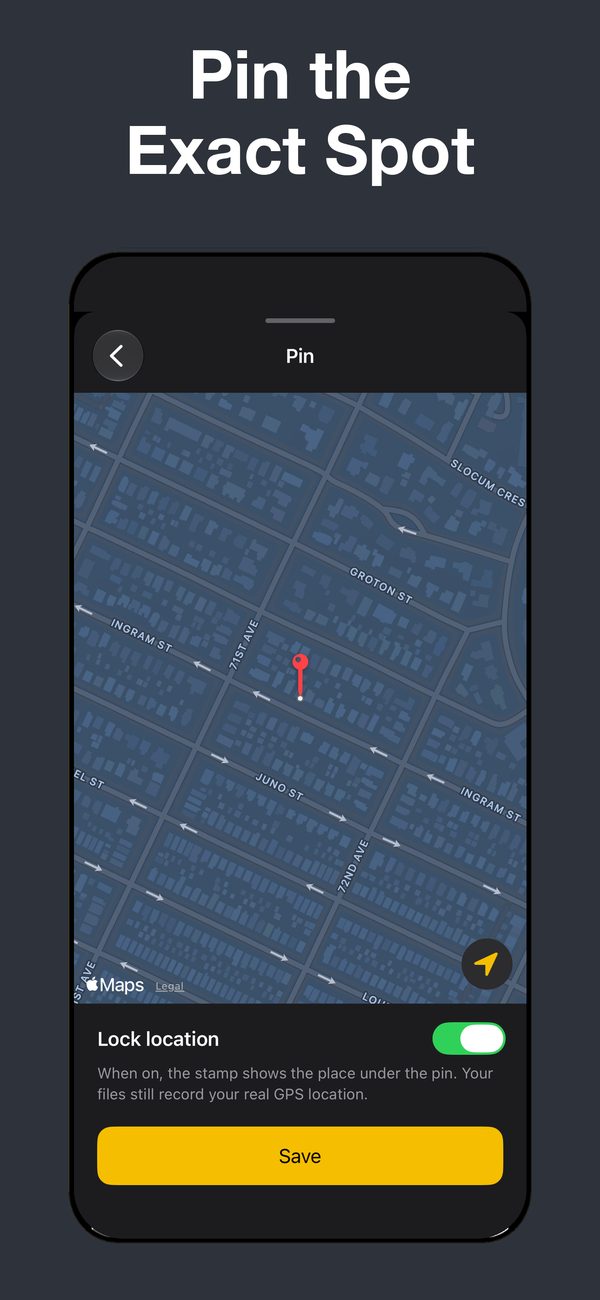
- Add a map, address, coordinates, altitude and a bearing arrow. If GPS drifts, pin the exact spot.
- One press from the Lock Screen
- Put FastCam on a Lock Screen button or in Control Center on iOS 18 and later.
- Photos, too
- Shoot stills in 4:3, 16:9, 1:1 or 3:2, or save a frame while you keep recording.
- Filters
- Eight looks with live previews. The timestamp is never filtered, so it stays easy to read.
- Hands-free
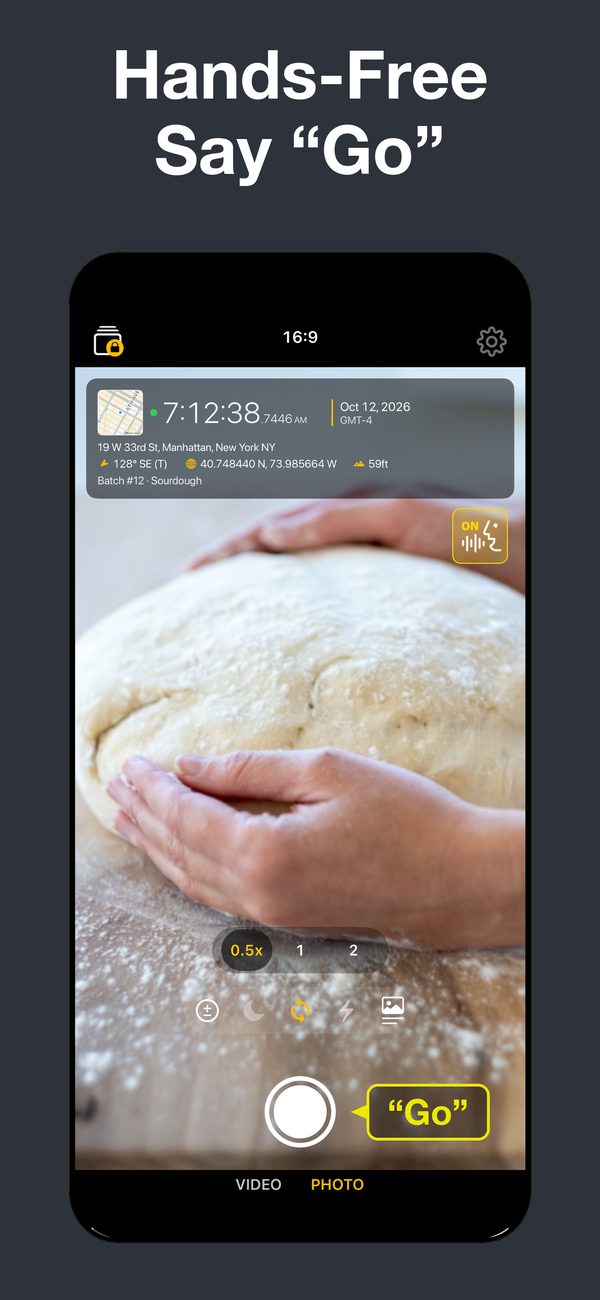
- Say “Go”, “Stop” or “Pause”, even through your AirPods.
- A project for every job
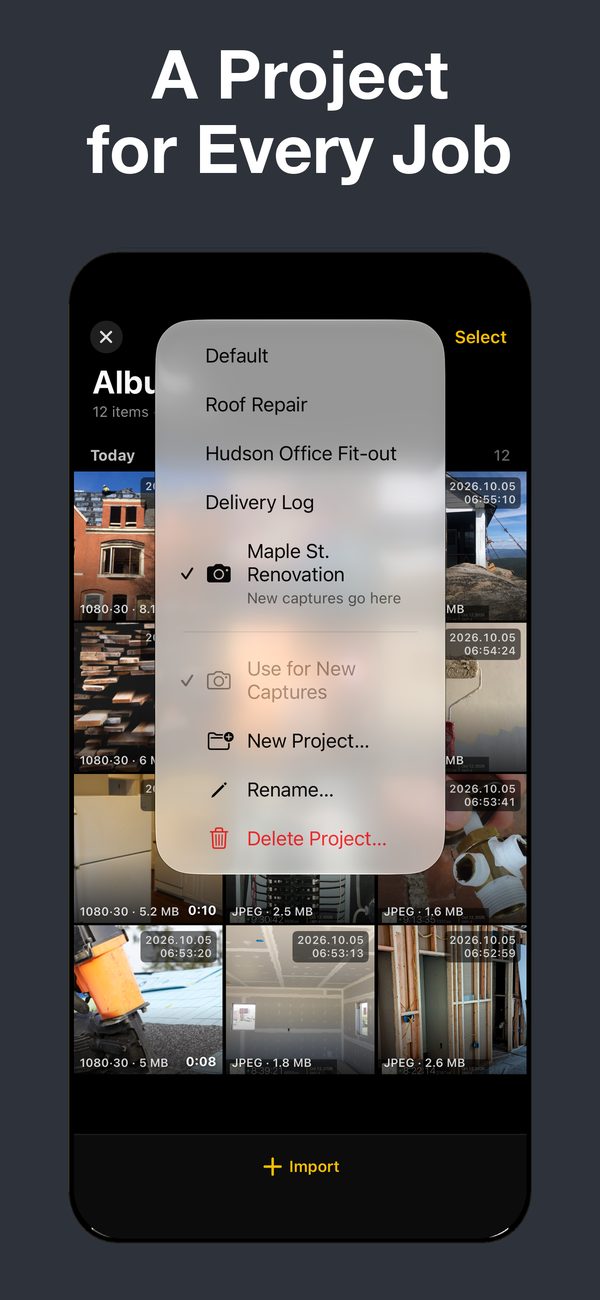
- Keep each site, job or trip in its own project inside a private album you can lock with a passcode.
Your recordings stay on your iPhone
Videos and photos are never uploaded. There are no ads and no tracking across apps.
FastCam is free to download. Some features need FastCam Premium, a subscription or one-time purchase in the app. Got FastCam before version 1.5.0? You keep every feature.